

Invictus Membership · Online Reload
TOP UP. GET BACK IN THE GAME.
Add gaming credit to your existing Invictus membership card. Choose an amount, enter your membership card number on the next page, and complete your purchase securely.
Gaming credit only · Existing members · Secure Shopify checkout
01
Pick your amount
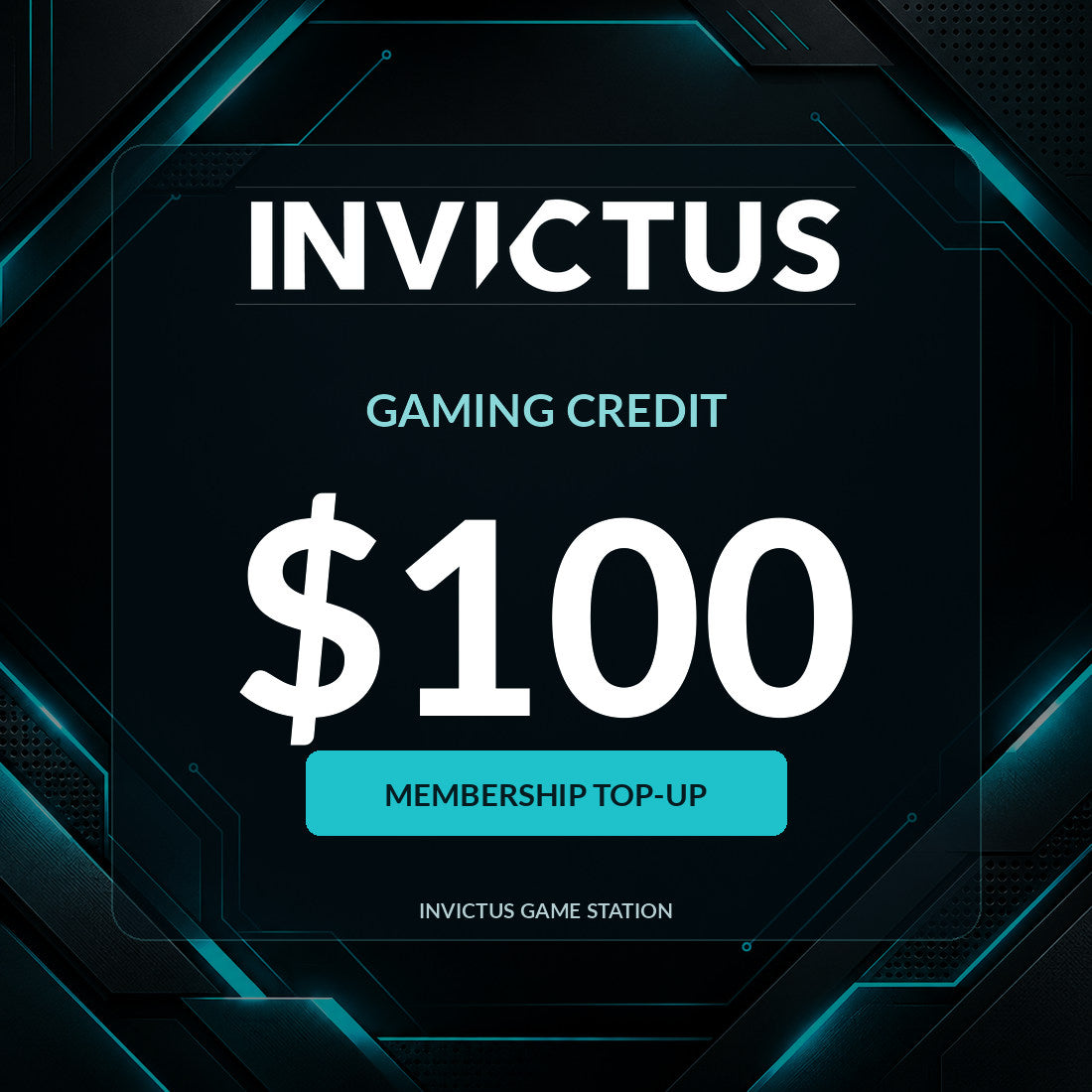
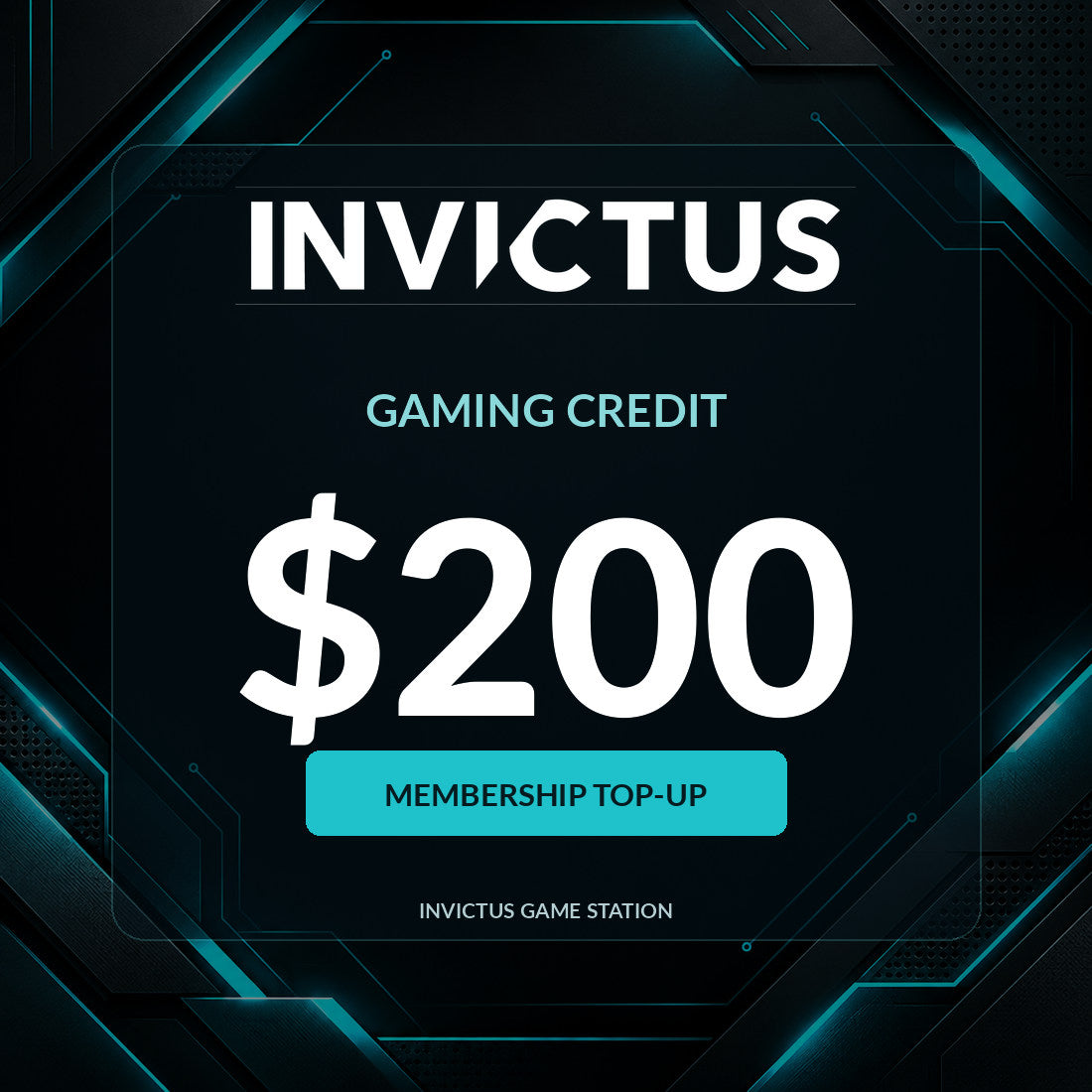
Choose from four preset credit values.
02
Enter your card number
Complete the required membership-card field on the product page.
03
Return to the game
Credit is usually applied within five minutes after purchase.
Membership Gaming Credit
CHOOSE YOUR TOP-UP.
Select a credit amount to open its regular Shopify product page. Your membership card number is entered there before checkout.

Quick and simple
HOW TOP-UPS WORK.
01
SELECT YOUR CREDIT.
Choose the amount of gaming time credit you'd like to add to your existing account.
02
ENTER YOUR CARD NUMBER.
On the product page, provide your six-digit membership card number and complete your order.
03
YOUR BALANCE IS UPDATED.
Top-ups are normally applied to your membership card within five minutes of purchase.
Good to know
QUICK ANSWERS.
Do I need to be a member?
Online top-ups are intended for existing Invictus members with a membership card. To become a member, load $30 in gaming credit onto a new card at our front desk.
Where do I enter my card number?
Select a credit amount. The individual product page has a required membership card number field that you complete before adding the credit to your cart.
How quickly is my credit added?
Top-up credit is typically applied within five minutes of completing the purchase.
Can I use credit for food or day passes?
No. Membership card balances are for eligible gaming time only. Food, beverages and day passes are purchased separately.
Need help?
QUESTIONS ABOUT YOUR CARD?
Contact the Invictus team for help with membership card numbers or credit top-ups.